Works offline
Sell, take payment and print receipts with no internet at all. Every sale is saved on the device first, so a slow or dead connection never holds up a customer.
Works offline · sales never stop when the internet drops
Posperity is a free POS and billing app for shops in Pakistan and beyond. It runs in the browser on your PC, tablet or phone, keeps every till in the shop in sync over your own Wi-Fi, and catches up with the cloud the moment you are back online.
New to Posperity? Start free to create your business. Open shop is for a device whose owner has already given it a key.

10+
Tills live in shops
Rs 0
For your first shop
0
Sales lost to a dropped connection
1 key
To set up a new device
Everything a counter needs
The tools a cashier needs to keep the line moving, and the ones an owner needs to know where the money and the stock went.
Sell, take payment and print receipts with no internet at all. Every sale is saved on the device first, so a slow or dead connection never holds up a customer.
Computers, tablets and phones in the same shop share sales and stock directly over your Wi-Fi, and sync with the cloud when they can.
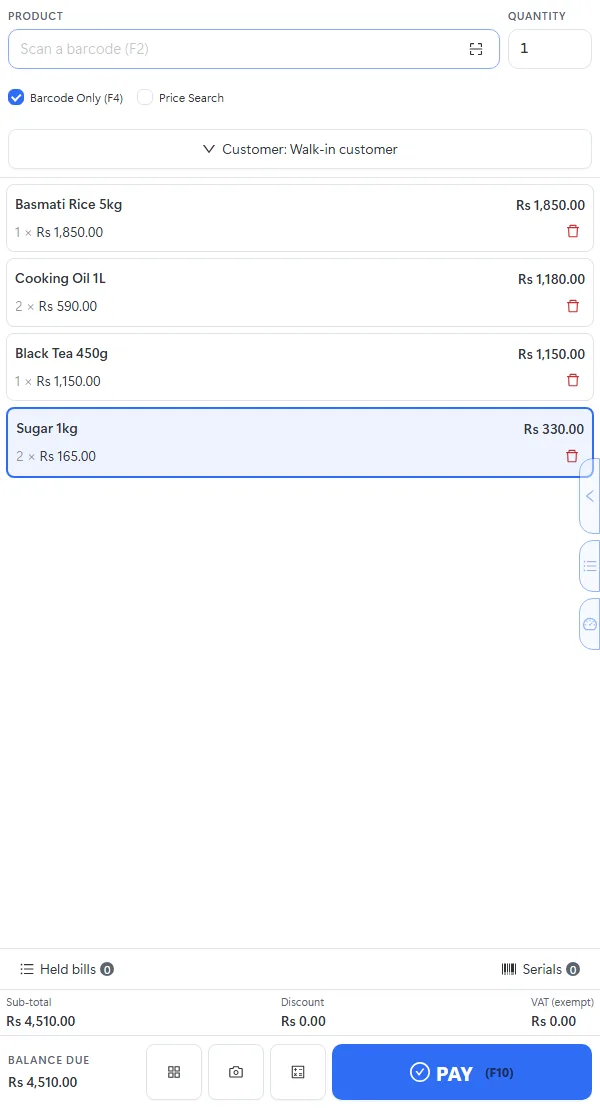
Scan barcodes, hold a bill while the next customer pays, and split one bill across cash, card and mobile wallets.
Stock goes down with every sale and up with every purchase. Reorder levels tell you what to buy before the shelf is empty.
Customer accounts, udhaar and installment plans, with every payment recorded against the bill it pays.
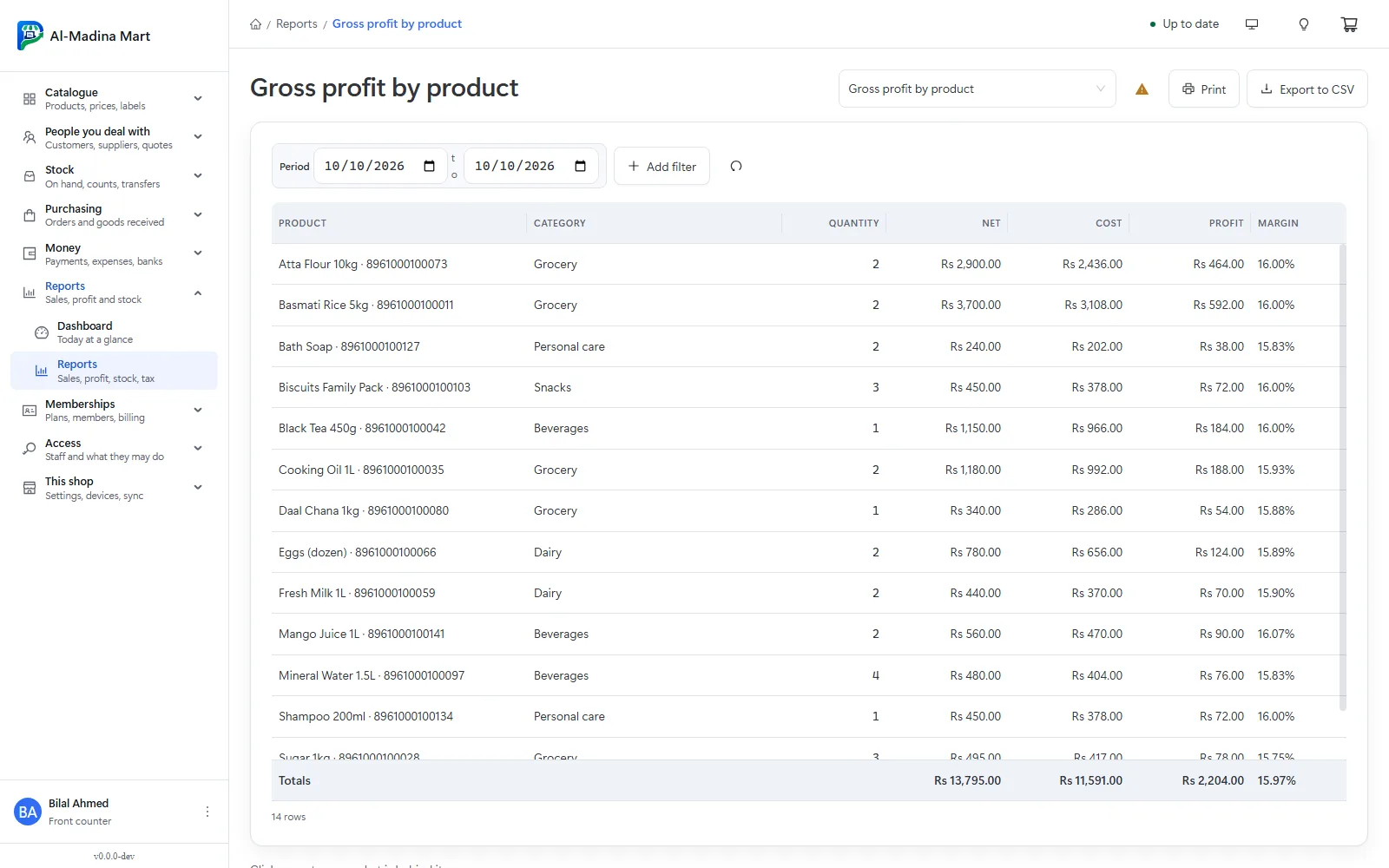
Daily sales, profit, stock and payments, ready at closing time, without adding anything up by hand.
Run your shops from one place: staff, roles and what each person may do, and a key for every new device.
Every sale is signed by the device that made it and kept in a log nobody can quietly edit. A deleted bill cannot just disappear.
Up and selling in minutes
No technician, no hardware contract, no server in the back room.
Choose your business's name and its own web address. That is where you, the owner, sign in from anywhere.
Add the shop's details for its receipts, your products and prices, and the staff who will use the till.
Make a key in your owner portal and type it on the counter's PC, tablet or phone. It opens the shop, ready to sell.
Offline first
Most online POS systems are websites that stop working when the internet does. Posperity keeps the whole shop on the device, so load-shedding, a weak signal or an unpaid internet bill never stop a sale.
A typical online POS
Posperity
One owner, many shops
Your owner portal lives at your business's own address, <you>.manage.posperity.net. Open it from home, from the market or from another city.
Pricing
Your first shop has every feature for running it, free. Add sync and more branches when the business needs them.
Rs 0 forever
One shop, every feature for running it.
Most popular
Talk to us
Everything in Free, plus:
Let's talk
Everything in Premium, plus:
FAQ
Yes. Every sale is saved on the device first, so the till keeps selling, taking payments and printing receipts while the internet is down. Nothing has to wait for a connection.
Any modern browser: a Windows or Mac computer, an Android tablet or phone, or an iPhone or iPad. You can install it like an app, and there is nothing to download from a store.
Your first shop is free, with every feature for running it. Premium adds sync across devices and the cloud, more branches, and soon a website for your shop.
Yes. A barcode scanner works out of the box, and receipts print on your receipt printer, with your shop's name and details on them.
In your owner portal, make a key for the shop and type it on the new device. It joins the shop with the right staff and settings. No technician needed.
Not silently. Every sale is recorded in a tamper-proof log signed by the device that made it. Corrections are recorded as new entries, so the owner can always see what happened.
It is built in Pakistan, for the way shops here work, from udhaar and installments to busy counters and unreliable internet. It works for shops anywhere.
Create your business in a minute, then set up the counter with a key.
Already have a key from your owner? Use Open shop.